On this page
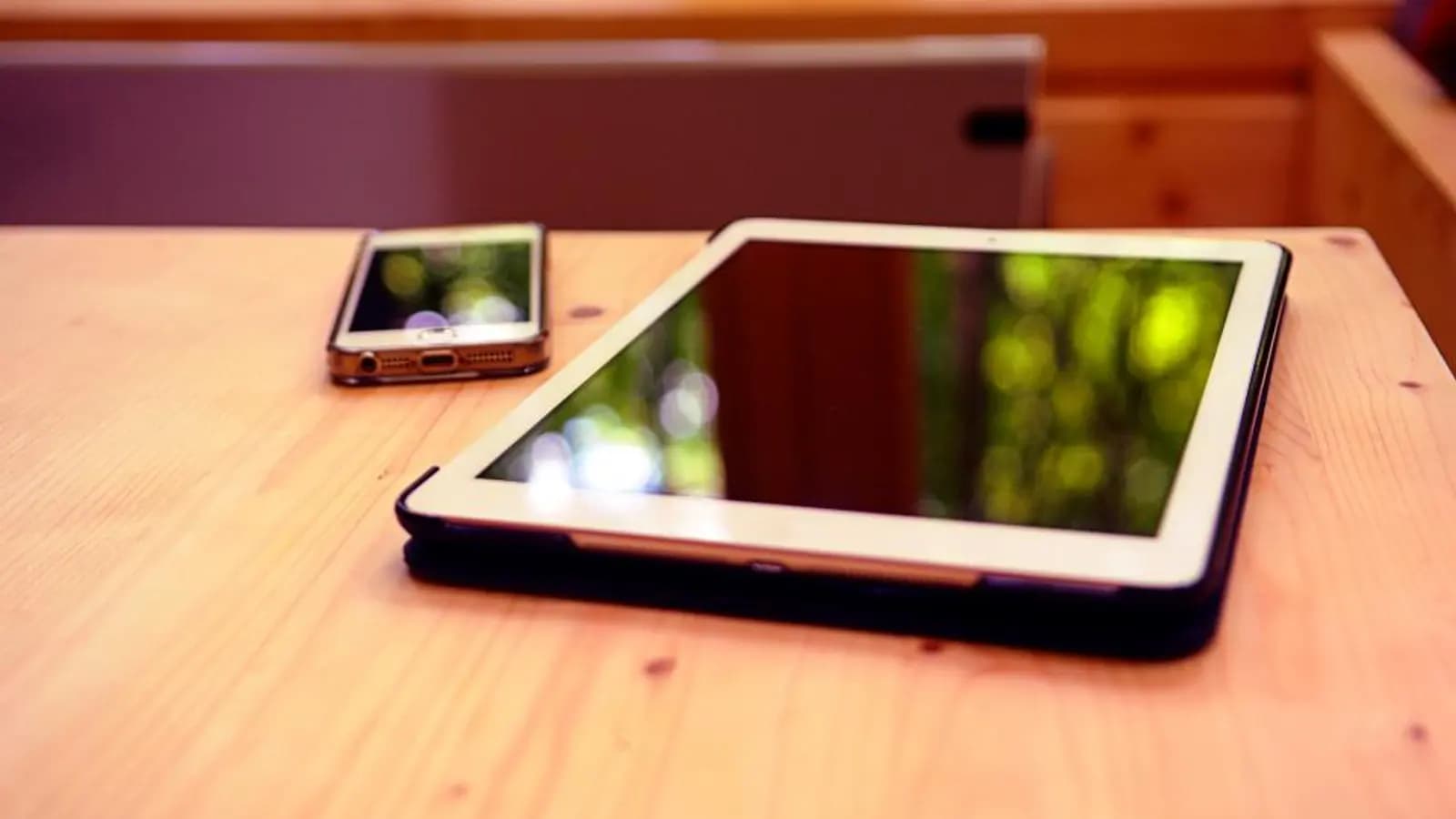
Yes, IPTV can be used on multiple devices: add the same login to your TV, phone and tablet as often as you like. What's limited is how many can play at the same time. That's your plan's connection limit, usually one or two streams for playlist-based services. Every stream counts, including recordings and each tile in multiview.
What counts as a connection
| Activity | Uses a connection? |
|---|---|
| Watching a live channel | Yes |
| Watching a film or series | Yes |
| A recording in progress | Yes |
| Each tile in multiview | Yes, one each |
| App open on the guide, nothing playing | Usually no |
| Downloading the guide or channel list | Usually no |
"Too many connections"
This error, or a player stuck retrying, means your login already has as many streams open as it's allowed. Fixes:
- Stop playback on other devices, including phones left playing in a pocket.
- Check nothing is recording.
- Wait a minute: a stream closed by pulling the plug may take a moment to time out on the server.
- If it keeps happening when nobody else is watching, someone else may have your login. Change the password.
More on stuck players in stuck on retry and playback errors.
Plan for your household
- Count the TVs likely to be on at once during your busiest evening.
- Add one if you record while watching.
- Add more if you use multiview; see TiviMate multiview.
Don't share logins outside your household. Services often lock accounts used from several places at once, and your login details are also in your playlist link; see M3U vs Xtream Codes on keeping them private.
Licensed services
Licensed live TV services publish their limits. YouTube TV's base plan allows three streams at once; Sling Orange allows one and Sling Blue three (details in YouTube TV vs Sling). Free services like Pluto TV and Tubi have no account-based stream limit, since there's no subscription. Players like UHF and IPTVX also sync playlists between your own devices; for example IPTVX uses iCloud (IPTVX on the App Store).
Signs someone else is using your login
- "Too many connections" errors when nobody else at home is watching.
- Streams that start and then stop without any network problem.
- Your service warning you about use from several locations.
Playlist links contain your username and password, so a link posted in a group chat or forum screenshot can end up widely shared. Ask your service to reset your password, then update it in your players; see keeping login details private.
Players that sync between your own devices
Some players make multi-device life easier. IPTVX syncs through iCloud across iPhone, iPad and Apple TV. UHF's optional PRO plan syncs playlists and favourites. XCIPTV offers backup and restore. Syncing settings doesn't raise your connection limit, but it saves setting up each device by hand. See UHF vs IPTVX.
Free services have no limit
Pluto TV, Tubi, The Roku Channel and other free services don't have per-account stream limits, because there's no account to limit. For kids' rooms and secondary TVs, they're a simple way to avoid using up your paid connections; see the best free live TV apps.
Quick answers
- Install on many devices: yes.
- Watch on many at once: only up to your plan's connection limit.
- Share with friends: no; it risks your account and exposes your login.
Common mistakes to avoid
- Sharing a login outside the household.
- Forgetting a recording is using a connection.
- Leaving a phone playing in a pocket.
Using IPTV in two homes
Taking a stick to a holiday home works for most playlist services, as long as you stay within your connection limit. Licensed live TV services often restrict viewing to your home area; check their terms before you travel. And for travel abroad, see Do you need a VPN for IPTV?
Frequently asked questions
- Can I use IPTV on more than one device?
- Yes. You can add your login to as many devices as you like. What's limited is how many can stream at the same time, which is set by your plan's connection limit.
- What counts as a connection?
- Each active stream: a TV playing a channel, a phone watching, a recording in progress, and each tile in multiview. Devices sitting idle usually don't count.
- What does too many connections mean?
- More streams are open on your login than your plan allows. Stop playback on another device, or wait a minute for a closed stream to time out.
- How many screens do licensed services allow?
- It varies. YouTube TV's base plan allows three streams at once. Sling Orange allows one and Sling Blue three. Free services like Pluto TV have no account-based limit.
- Can I watch different channels on two TVs at once?
- Yes, if your plan allows at least two simultaneous connections. Each TV playing uses one.
- Does a paused stream use a connection?
- Often yes, for a short time. Close the player rather than leaving it paused if you're near your limit.
- How do I know my connection limit?
- Many players show it for Xtream Codes logins in the account info. Otherwise, your service's welcome email or account page states it.
- Can I use IPTV in two houses?
- Usually yes within your connection limit, though licensed live TV services often restrict viewing to your home area.
- Does each device need its own subscription?
- No, as long as simultaneous streams stay within your plan's limit.
- Does casting count as an extra connection?
- Casting from a phone to a TV is still one stream, as long as the phone isn't also playing separately.
Written by
IPTVTips is written and maintained by a small editorial team. We check every guide against official documentation from app developers, device makers and broadcasters, and we update articles when menus, prices or availability change. We only cover legal uses of IPTV.
More from IPTVTips
Comments
Sign in to ask a question or share what worked for you.
Sign in to commentNo comments yet. Questions about a step that didn't work for you are welcome.