On this page
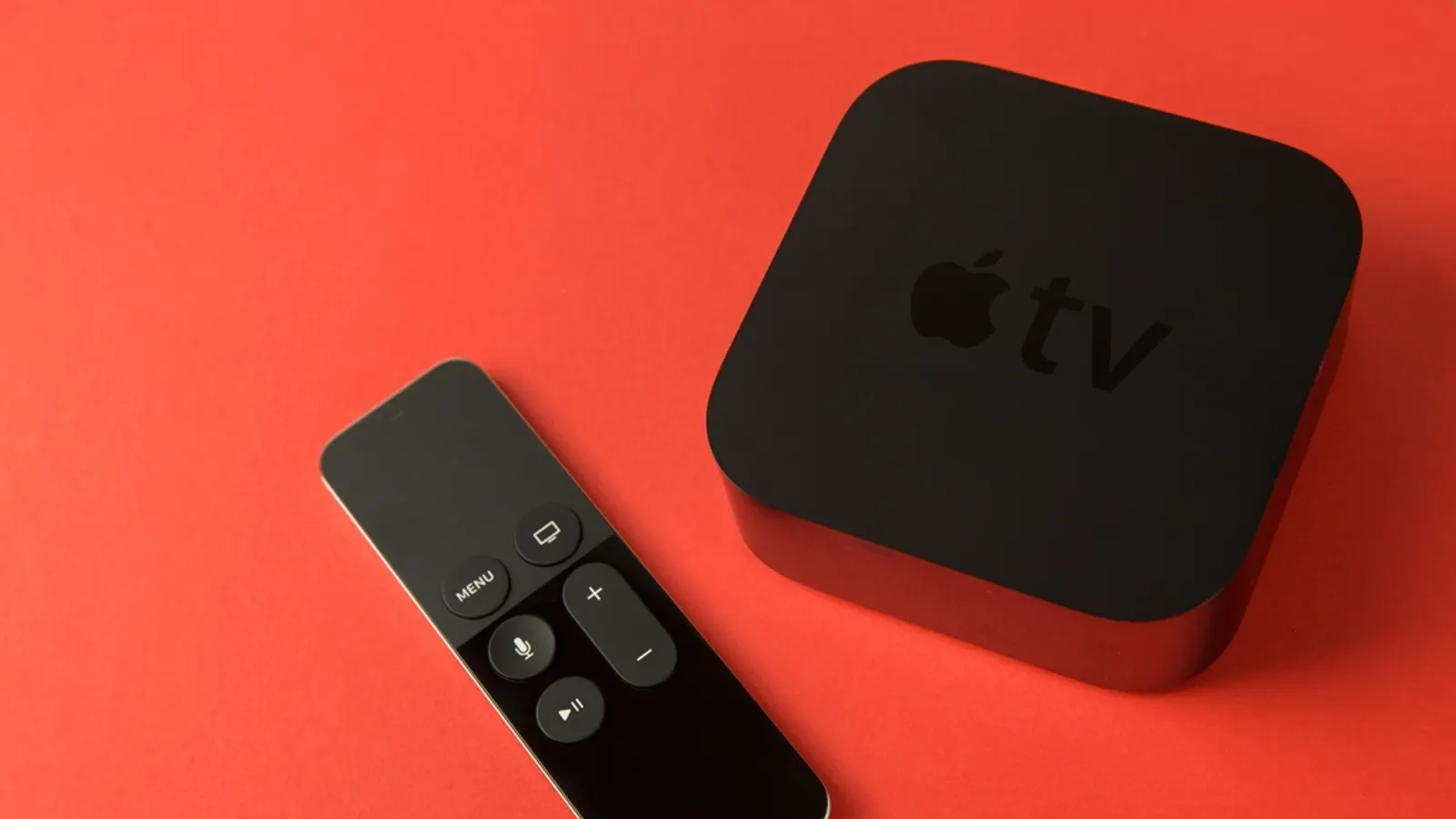
Apple TV is a lovely device for IPTV: fast, smooth, and with a great remote. The only catch is that you can't sideload apps, so you're choosing from what's in the App Store. Fortunately there are some genuinely polished players there.
Players worth trying
- iPlayTV. A long-standing tvOS player with a clean guide and good EPG support.
- IPTVX. Modern design that feels at home on Apple TV, with support for multiple playlists.
- UHF. Focuses on a TV-like live experience and syncs across Apple devices.
- GSE Smart IPTV. Older and busier, but very flexible about playlist formats.
Most offer a free trial or free tier with a paid upgrade. Features and prices change, so check the App Store listing for current details.
Also on Apple TV: official apps from licensed live TV services, plus free options like Pluto TV and Tubi. See our free services list.
Setting up your playlist
- Install a player from the App Store on your Apple TV.
- Open it and choose to add a playlist or source.
- Enter your M3U URL or Xtream login. Many tvOS players let you type it on your iPhone instead, via the Apple TV keyboard prompt that pops up on your phone.
- Add the EPG (XMLTV) URL if the guide doesn't fill in on its own.
- Pick your favourite channels to build a short list for daily use.
If the app supports iCloud sync, set everything up on your iPhone or iPad first. Typing and organising channels is much faster there, and it syncs to the TV.
When the guide is empty or wrong
The same rules apply as on any player: the guide URL must be set, channel IDs must match, and the time zone must line up. Our EPG troubleshooting guide walks through each fix.
Smooth playback on Apple TV
- Use Ethernet if your Apple TV model has a port. The Wi-Fi-only models do well on a strong 5 GHz signal. See Ethernet vs Wi-Fi.
- Turn on Match Frame Rate and Match Dynamic Range in Settings, Video and Audio, so sports and films play at their native frame rate.
- If a stream stutters in one player, try another. Different players handle some stream formats better. If it stutters everywhere, see our buffering fixes.
Coming from Android? Our TiviMate vs IPTV Smarters comparison covers what you'll be missing and what's similar.
Frequently asked questions
- Is TiviMate available on Apple TV?
- No. TiviMate is Android only. On tvOS, look at players like iPlayTV, IPTVX or UHF instead.
- Can I sideload apps on Apple TV?
- Not in any practical way. Apple TV only installs apps from the App Store, which also means everything is reviewed and updated through Apple.
- Do Apple TV IPTV players sync with iPhone?
- Many do via iCloud, so playlists and favourites you set up on iPhone or iPad appear on Apple TV. Check each app's description.
Written by
Editor
Sam edits IPTVTips and tests players on Fire TV, Google TV and Apple TV. Replace this bio with your real editor's background.
More from Sam

Comments
Sign in to ask a question or share what worked for you.
Sign in to commentNo comments yet. Questions about a step that didn't work for you are welcome.