On this page
These are the two IPTV players people ask about most. They do the same basic job, playing an M3U or Xtream playlist, but they're built for different situations. The short version: if you watch on an Android TV device, TiviMate is usually the better experience. If you need one app across phones, tablets and other TVs, IPTV Smarters is more flexible.
At a glance
| TiviMate | IPTV Smarters | |
|---|---|---|
| Devices | Android TV, Google TV, Fire TV | Android, iOS, Fire TV, some smart TVs, desktop |
| Guide style | Full cable-style grid | List-based with a simpler guide view |
| Multiple playlists | Yes (premium) | Yes |
| Recording | Yes (premium) | Depends on version and platform |
| Catch-up | Yes, if the source supports it | Yes, if the source supports it |
| Cost | Free core app, paid premium | Varies by platform and version |
Features and pricing change with updates, so check the current details in each app before you commit.
TiviMate: the best TV-style experience
TiviMate feels like a proper cable box. The guide is a fast grid, channel switching is quick, and you can customise almost everything: channel order, groups, favourites, what happens at startup. Premium adds multiple playlists, recording, catch-up and some extra features, bought through the TiviMate Companion app on your phone.
Downsides: it only runs on Android TV devices, and on Fire TV you have to sideload it. Our Fire TV Stick guide covers that.
IPTV Smarters: flexible and familiar
IPTV Smarters splits content into big tiles for Live TV, Movies and Series. It's easy to understand at first glance, and it's available on far more platforms, including iPhone and iPad. If your household mixes Android and Apple devices, having the same app everywhere is genuinely useful.
Downsides: the live TV guide is less polished than TiviMate's, and versions differ between platforms, so a feature you like on Android may look different on iOS.
How to choose
- Mostly watching on a Google TV, Shield or Fire TV? Go with TiviMate.
- Need phones, tablets and Apple devices too? IPTV Smarters, or pair TiviMate on the TV with another player on mobile.
- Mainly watching movies and series rather than live TV? Smarters' tile layout suits that well.
Try both with your playlist for a week. They're free to install, and five minutes of real use tells you more than any comparison table.
Other players worth a look
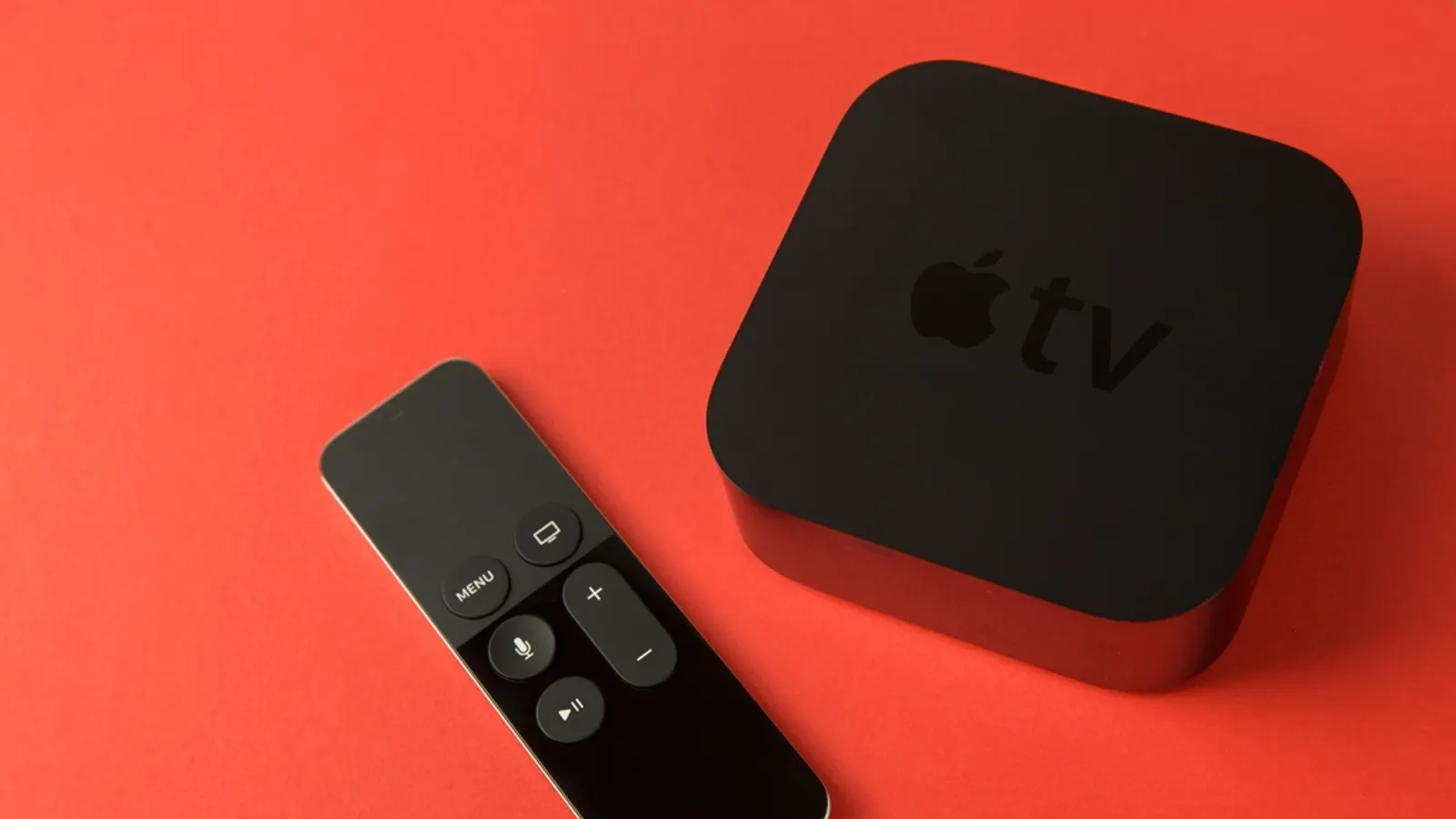
OTT Navigator, Televizo and Kodi with the PVR IPTV Simple Client are all solid. We compare them in the best IPTV players for Android TV. On Apple TV, the options are different, see IPTV on Apple TV. When you've picked one, our TiviMate setup guide walks through loading your playlist and guide.
Frequently asked questions
- Can I use both apps with the same playlist?
- Yes. Both accept M3U URLs and Xtream logins, so you can try them side by side. Just check how many simultaneous connections your source allows.
- Which one is easier for beginners?
- IPTV Smarters, because its menu of Live TV, Movies and Series tiles is simple. TiviMate takes a few minutes longer to set up but is nicer to use every day.
- Does either app come with channels?
- No. Both are players only. You need your own playlist from a legitimate source.
Written by
Editor
Sam edits IPTVTips and tests players on Fire TV, Google TV and Apple TV. Replace this bio with your real editor's background.
More from Sam
Comments
Sign in to ask a question or share what worked for you.
Sign in to commentNo comments yet. Questions about a step that didn't work for you are welcome.