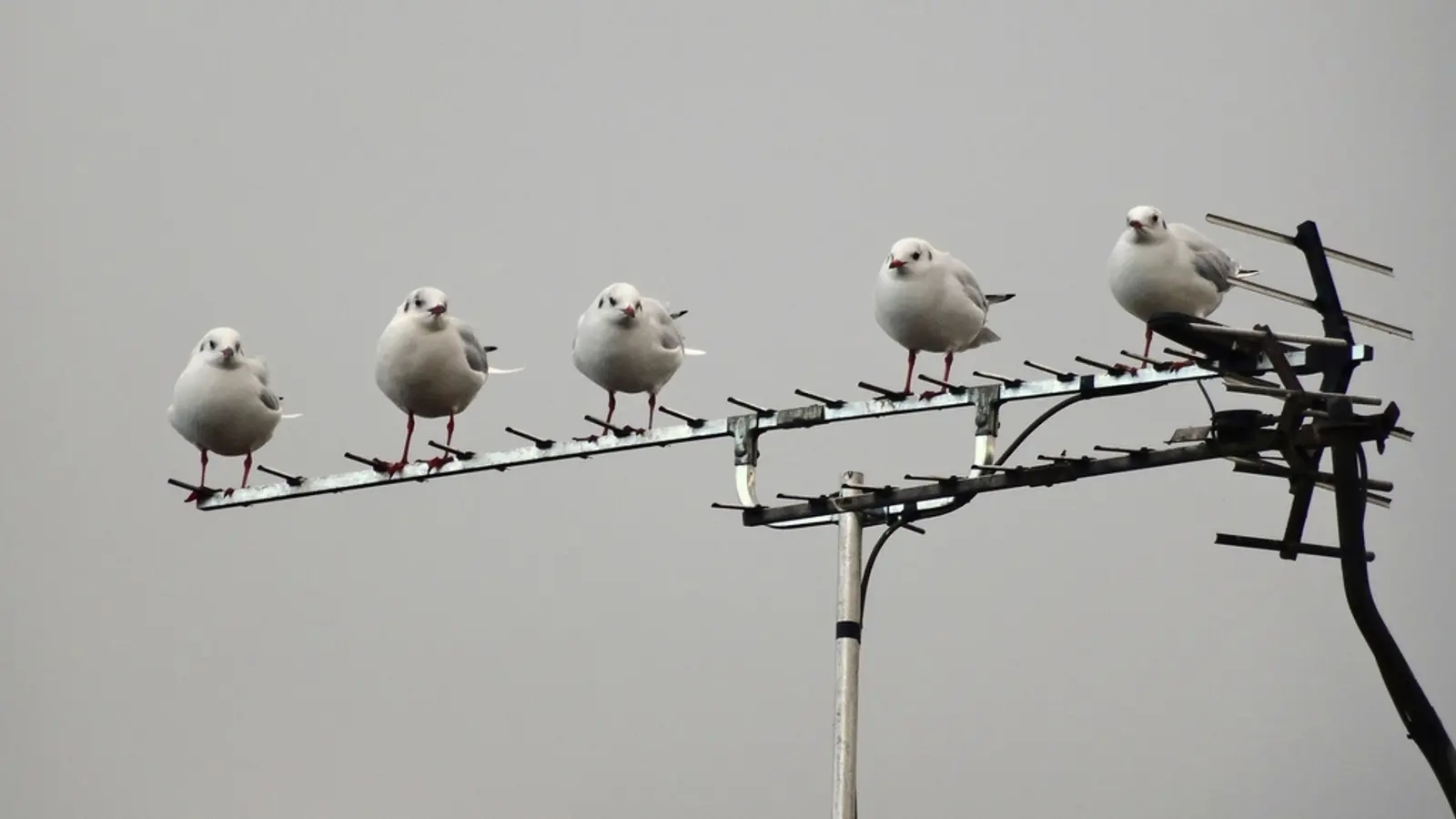
 Free Live TV
How to Watch Local Channels for Free Without Cable
Your local network stations broadcast free over the air. An antenna and ten minutes gets you ABC, CBS, NBC, FOX and PBS in HD with no monthly bill. Here's how.
Sam Carter··4 min read
Free tool · No signup
Enter your ZIP code and you'll see the free over-the-air channels that reach you, how strong each signal should be, and which way the transmitters are. It also tells you what kind of antenna to buy and whether it needs VHF.
Enter your ZIP code. Use the ZIP where the TV is.
Read the summary. See how many channels have a good signal, the antenna we'd buy, and the direction to aim it.
Check the station list. Each station shows its channel number, network, distance, compass direction and band.
Scan for channels. Connect the antenna, aim it, and run a channel scan in your TV's settings.
Every full-power and low-power TV station in the US has an official FCC service contour: the area where the FCC expects its signal to be usable. We take the center of your ZIP code and check it against the contour of every station within 150 miles. Inside a contour and close to the transmitter is strong; near the edge is weak; just outside is fringe, which can still work with a good roof antenna.
The data is the FCC's own public records: service contours and TV Query for channels and transmitter sites, plus Census ZIP code centers. It doesn't model hills and buildings, so a valley can lose a station that looks strong here. The FCC's DTV reception map does use terrain, and it's a good second opinion for your exact address.
| Main stations are | Start with |
|---|---|
| Under 20 miles | Indoor antenna, near a window facing the towers |
| 20 to 35 miles | Amplified indoor antenna, or attic |
| 35 to 60 miles | Outdoor or large attic directional antenna |
| Over 60 miles, or weak | Long-range roof antenna, often with a preamp |
After you mount it, run a full channel scan on the TV (it's in the TV's channel or broadcast settings), and scan again whenever you move the antenna. Some stations have moved to NextGen TV (ATSC 3.0), which older TVs can't decode without a converter box. To record or watch antenna channels on every screen in the house, see our HDHomeRun setup guide, and for the bigger picture, how to watch local channels free.
Last updated October 16, 2026 by the IPTVTips team. Free to use, no account needed. Found a bug? Tell us.
Read next
Free Live TVYour local network stations broadcast free over the air. An antenna and ten minutes gets you ABC, CBS, NBC, FOX and PBS in HD with no monthly bill. Here's how.
Sam Carter··4 min read
 Free Live TV
Hundreds of live channels, no subscription, fully legal. Which free live TV apps to install first, what each one is actually good at, and how to add local channels.
Sam Carter··5 min read